Unwrap a cylinder
A cylinder comes apart as three pieces: its two round caps, and its side, opened along one line to lie as a rectangle.
In one click
- Open File and, under Examples, with Pre-unwrapped unticked, click the cylinder under Primitives.
- Click Generate UVs. The caps come off at their sharp rims and lie round, and the side opens along a line to lie flat.
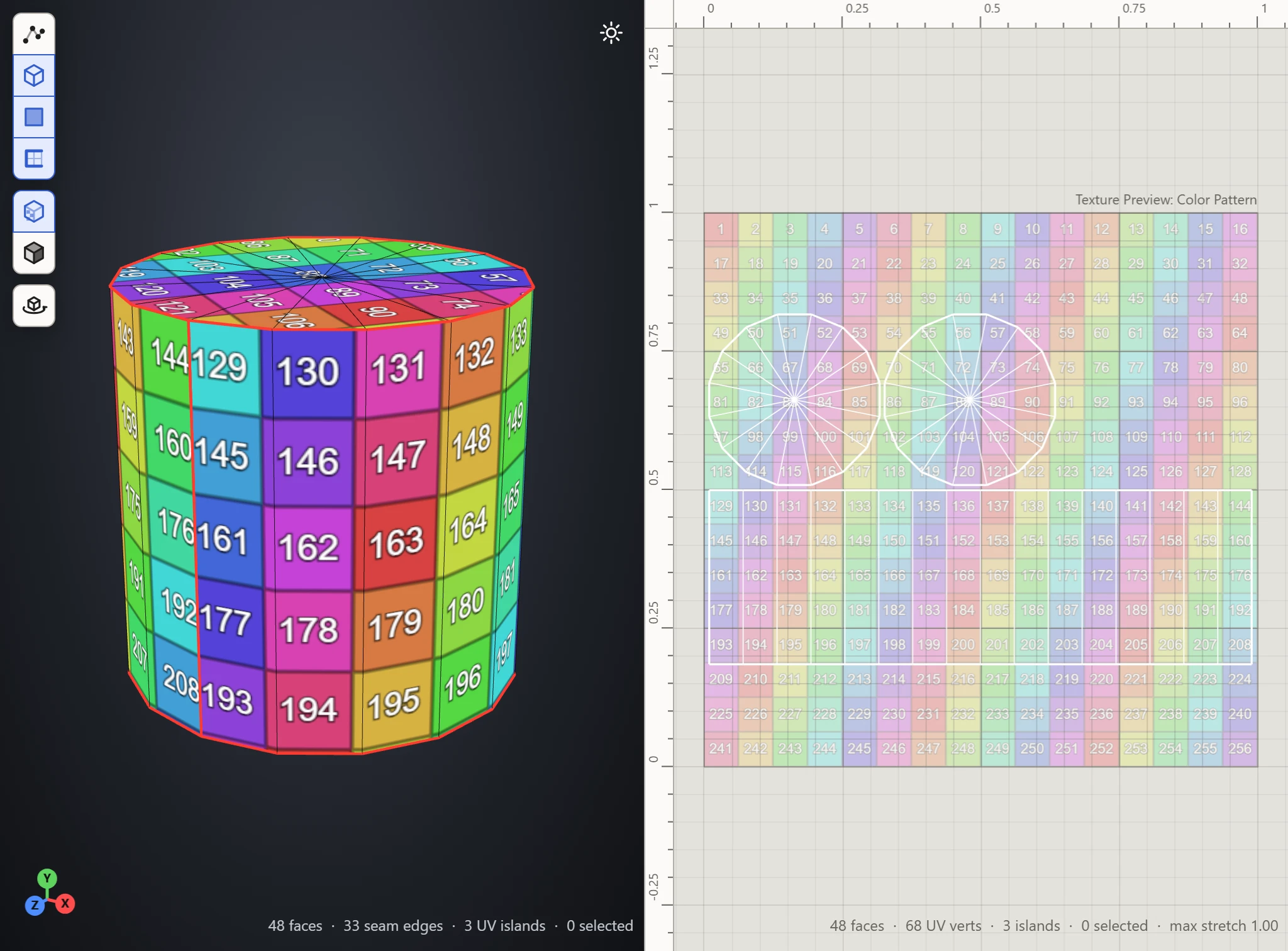
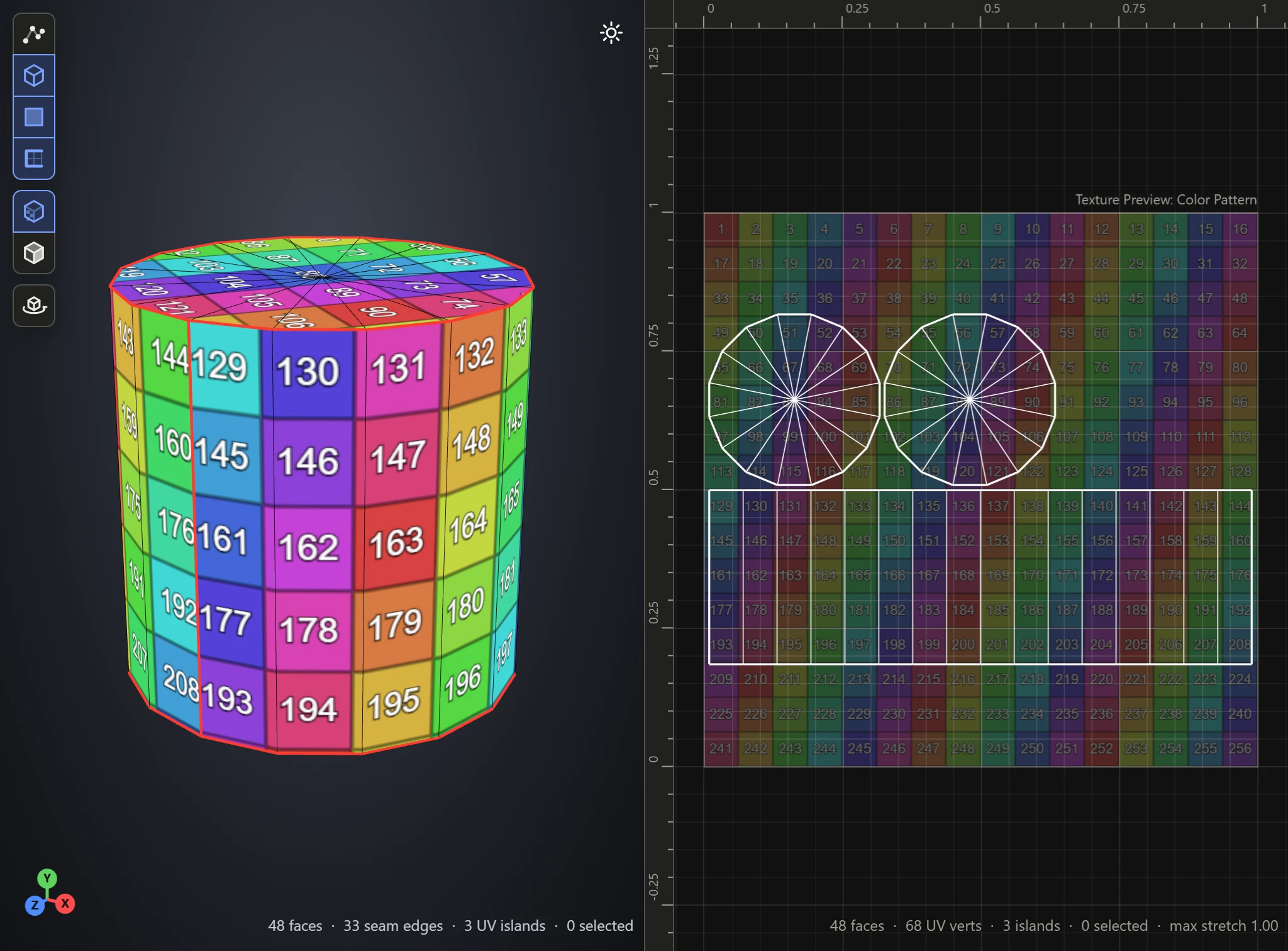
By hand
- Open the bare cylinder again, and press 2 for Edges mode.
- In the 3D View, double-click an edge of the top rim to select the whole rim. Then Shift+double-click an edge of the bottom rim to add it.
- Shift+click one of the upright edges down the side, from rim to rim.
- Click Split, then Flatten.
The upright seam is where the texture's two ends meet round the side: put it where it's least seen, such as at the back.
Check it
Pick Stretch in the Textures section's Preview, as Generate UVs does by itself: the caps and the side come out blue, true to their shape. Pick Color to see its squares run straight round the side. See Stretch and Texel Density.