Generate UVs
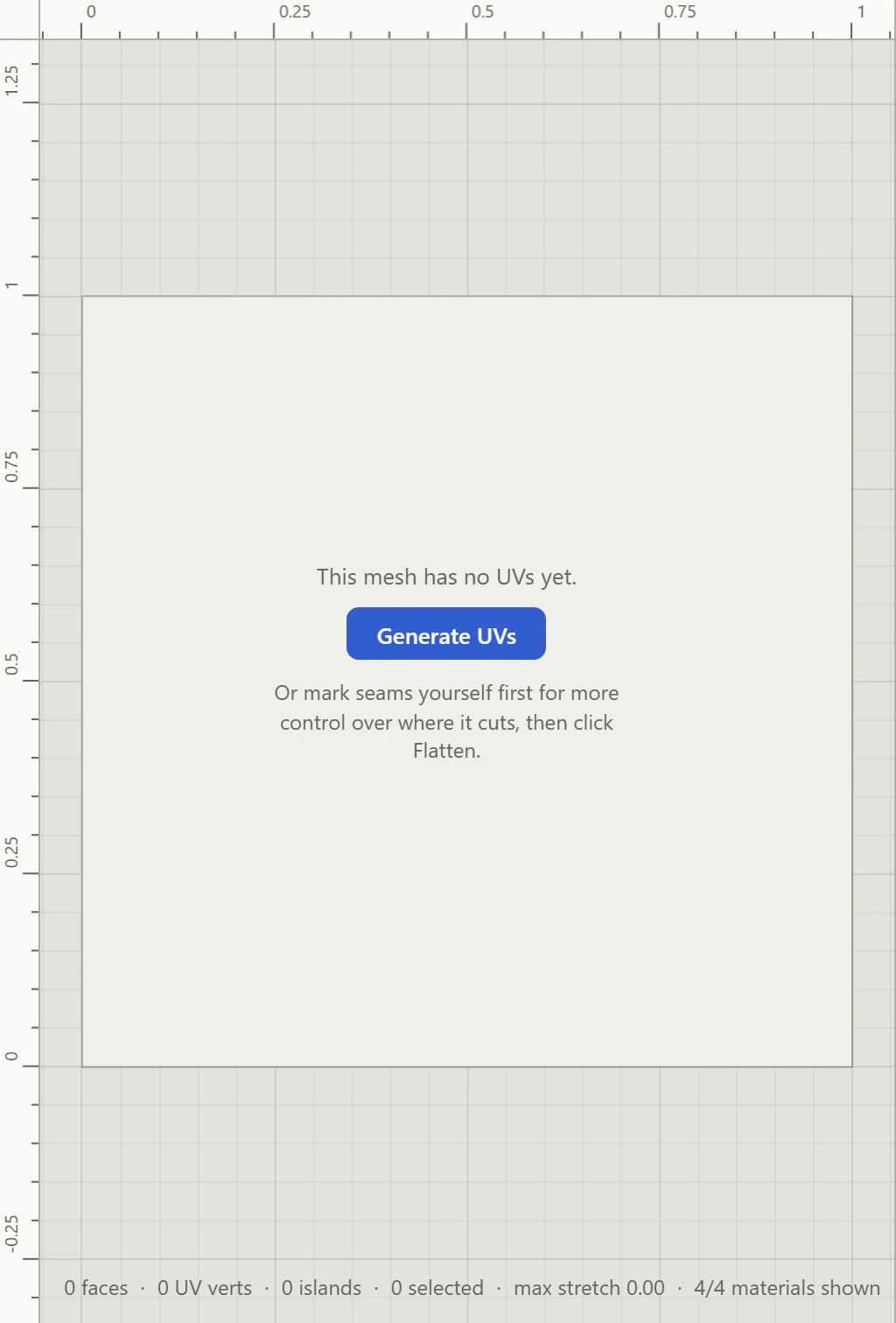
A model with no UVs yet shows Generate UVs in the UV Layout. It's the quickest way to a working layout: one click finds the seams, flattens the pieces and packs them into the square.
What it does
- Finds seams where the model turns sharply, between faces whose directions differ by more than a set angle, so smooth curves stay in one piece and hard edges come apart.
- Opens closed shapes: a smooth closed surface, such as a sphere or a torus, can't lie flat whole, so it's cut along the planes through the model's middle, and a torus across its hole too.
- Flattens each piece and packs them into the 0-1 square.
Afterwards
The seams it found are ordinary seams. Split and Weld more where you'd like, then Flatten again. To place every seam yourself instead, mark them before your first Flatten.