Color and Checker patterns
Two test images, under Patterns in the Preview list, to see how a texture will lie on the model before there is one.
Color
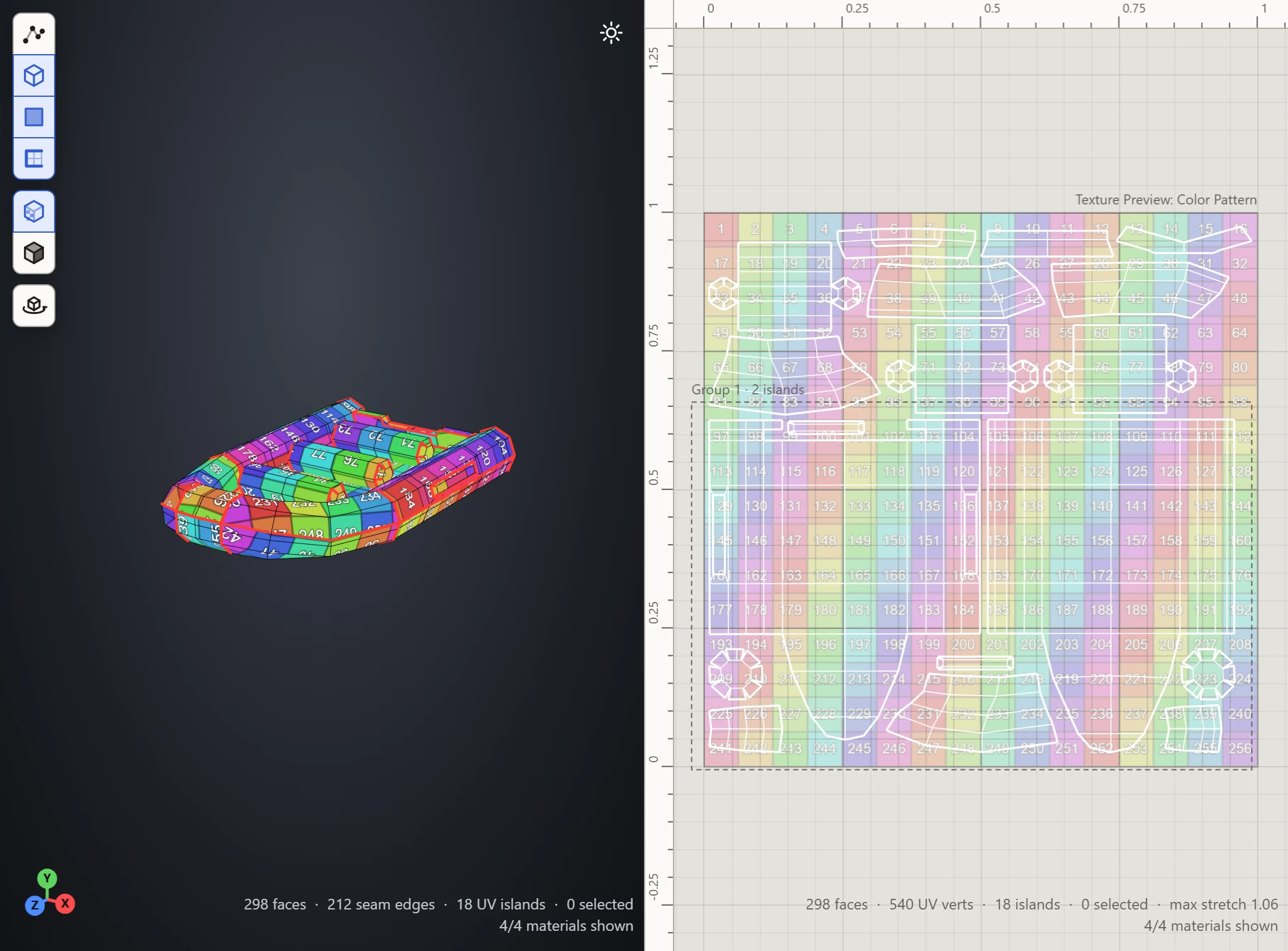
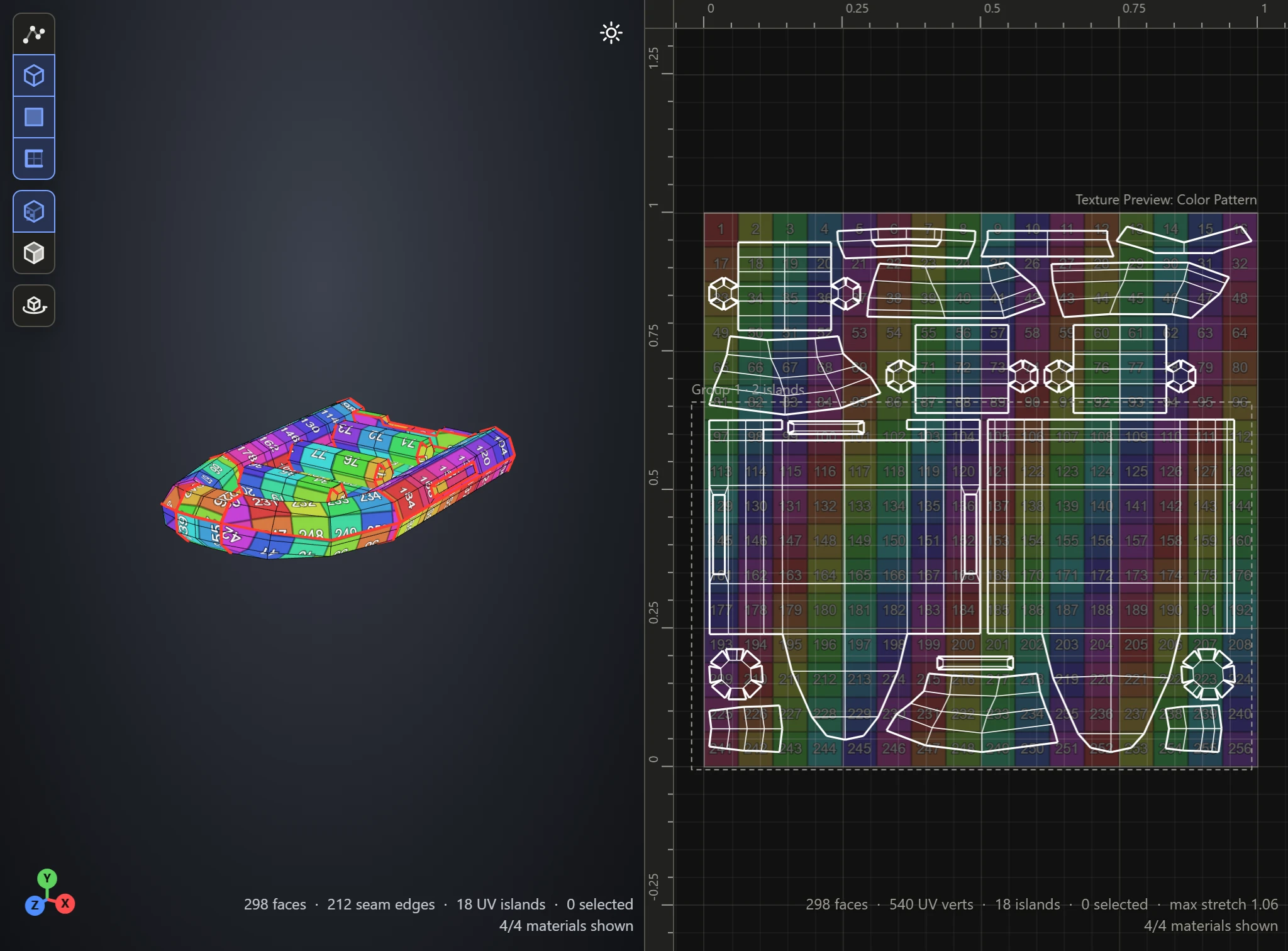
A grid of colored squares, each with its own number. On the model, it shows:
- Stretch: squares pulled out of square.
- Scale: squares bigger on one part than another.
- Turns and mirrors: numbers turned or reading backwards.
- Seams: where the colors and numbers jump from one island to the next.
Checker
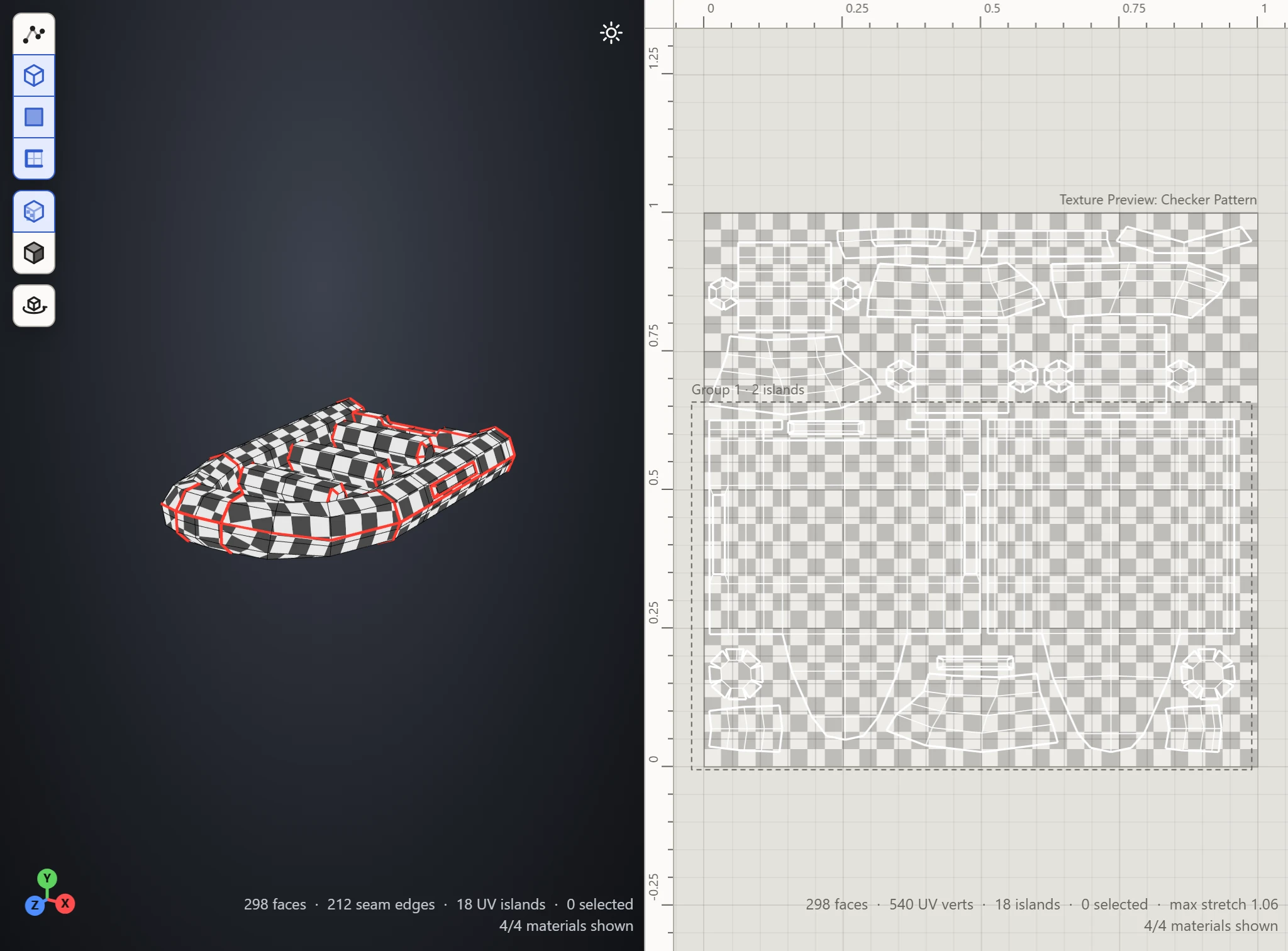
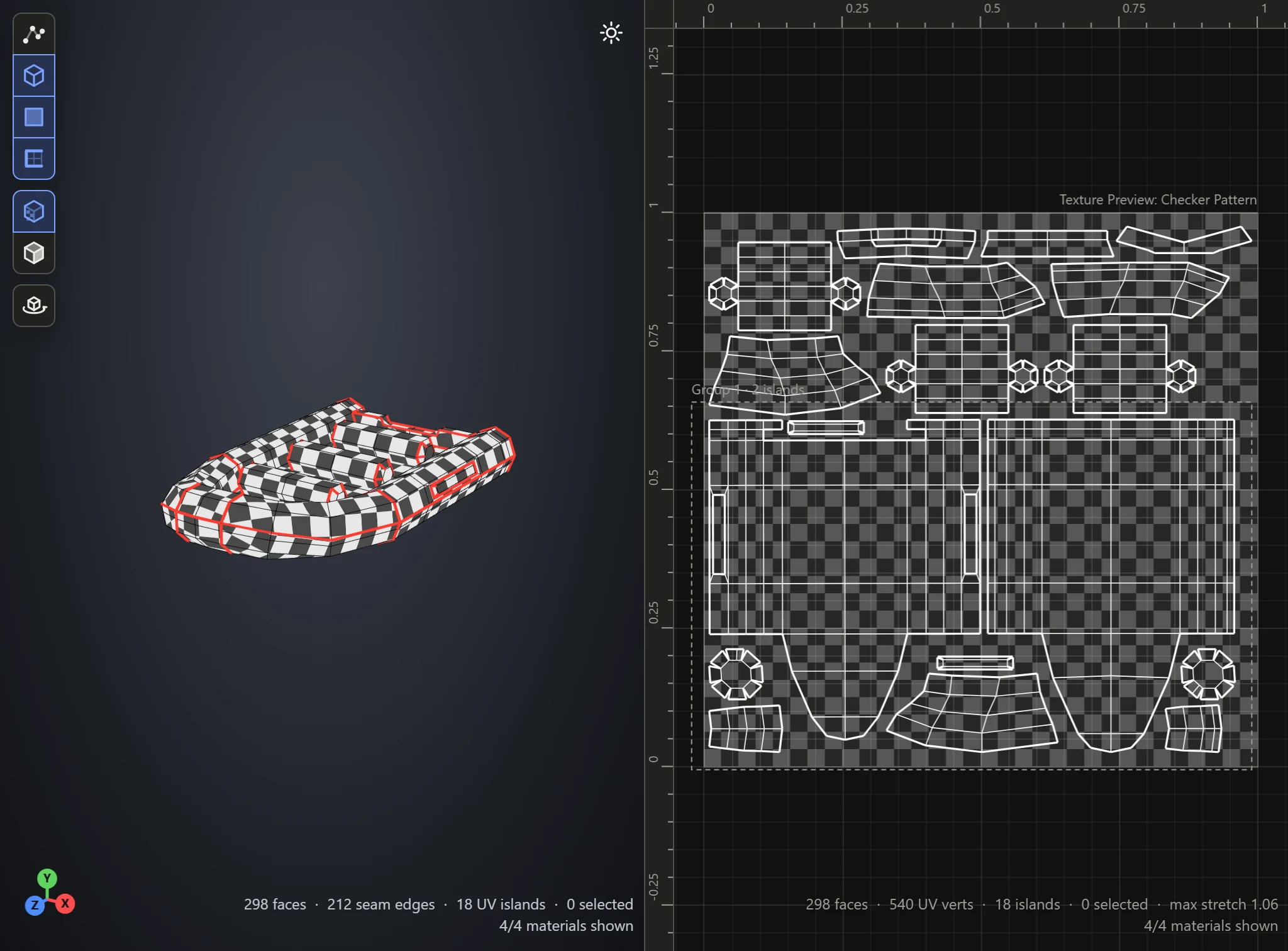
Grey and white squares. Plainer than Color, it shows stretch and uneven sizes at a glance: on good UVs, the squares come out square and the same size all over the model.
Scale
Scale repeats either pattern more times across the 0-1 square, for smaller squares. The patterns repeat seamlessly: one copy runs straight on into the next.