Orientation
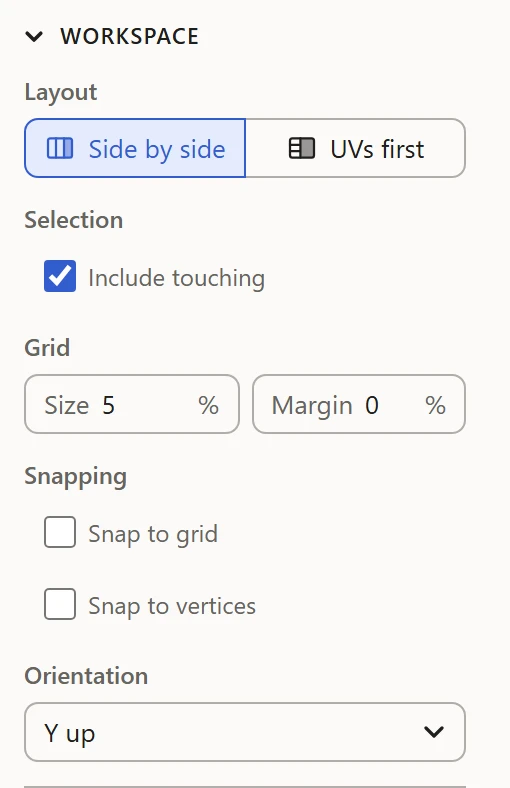
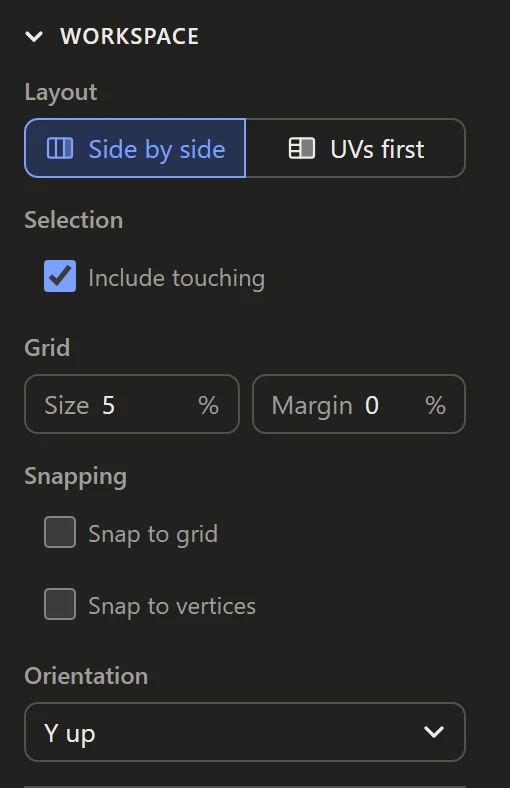
Programs don't agree on which way is up: some build models with Y up, others with Z up. Orientation, in Workspace, says which of the model's axes points up in the 3D View.
Picking it
Pick X up, Y up or Z up, or one of them down. It changes how the 3D View shows the model, not the file it came from or its UVs. Saved as another kind of file, the model is turned from this way up to stand as that kind does: see Saving and exporting.
To begin with
WebUVs guesses as a model opens: Y up for an OBJ, and Z up for a .3ds and for an .i3d whose meshes carry their own axes; Y down for another .i3d. Pick another if the model shows lying down or upside down. Your pick is kept with your work.