Distribute
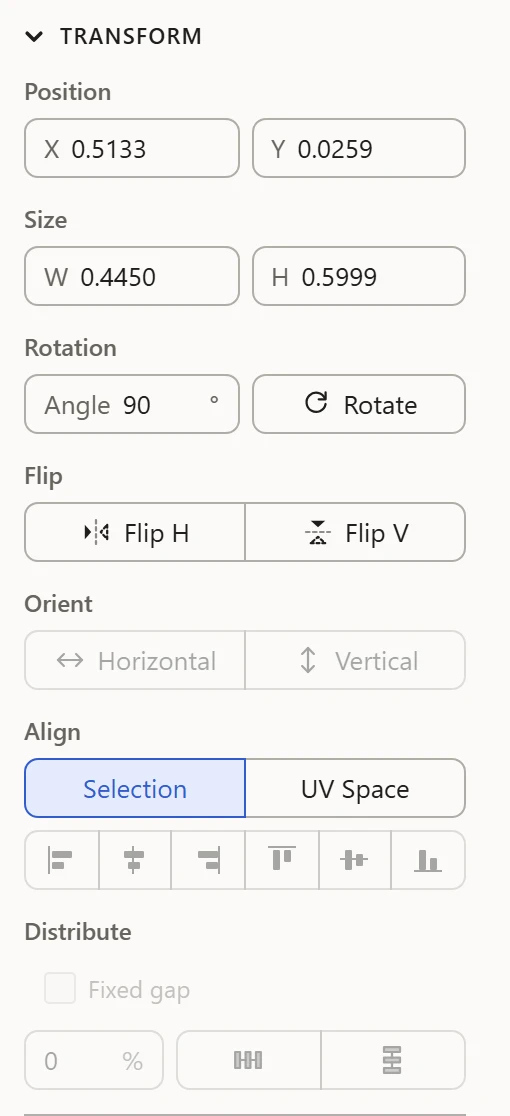
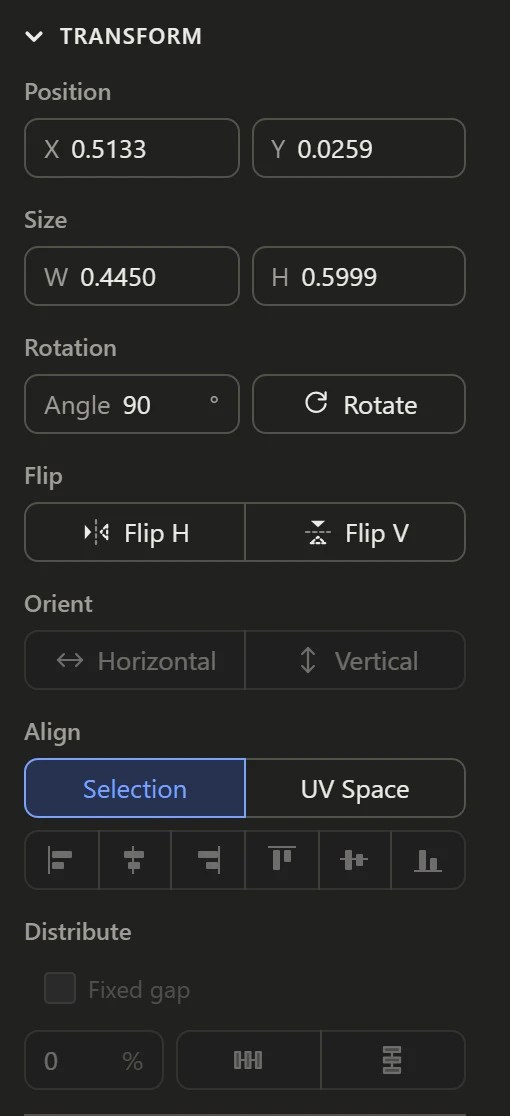
Distribute spaces two or more selected islands evenly, across or up.
Evening out
Click Distribute horizontally or Distribute vertically. The outermost two islands stay where they are, and the ones between move so the gaps between all of them are the same.
A set gap
Tick Fixed gap and type the gap, as a percentage of the 0-1 square: the islands are then spaced exactly that far apart, from the first one on.
With Align
Distribute and Align go together: line islands up along one edge, then space them evenly along it.