Flipped Faces and Direction
Two previews, under Orientation in the Preview list, that show which way the UVs lie.
Flipped Faces
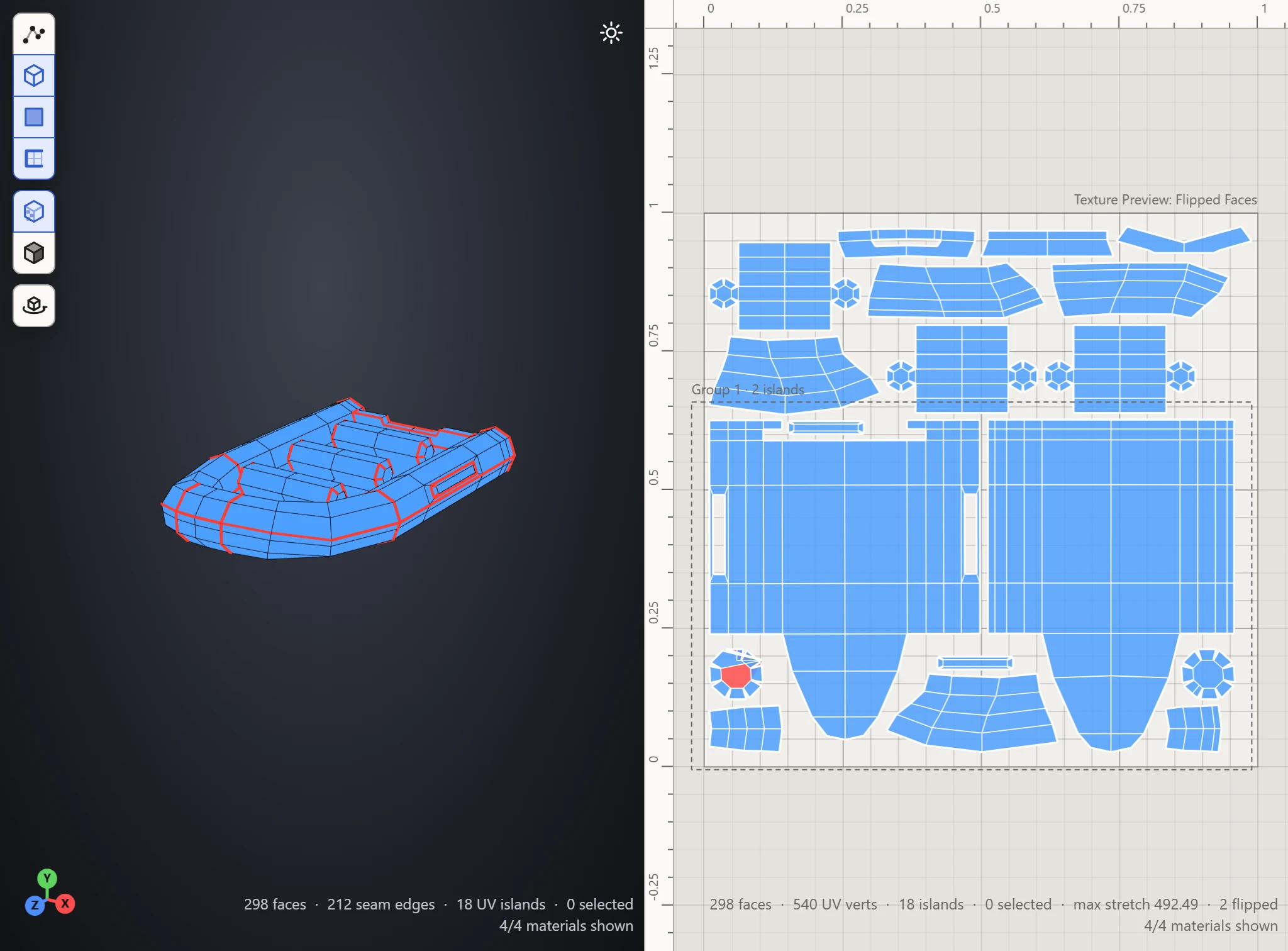
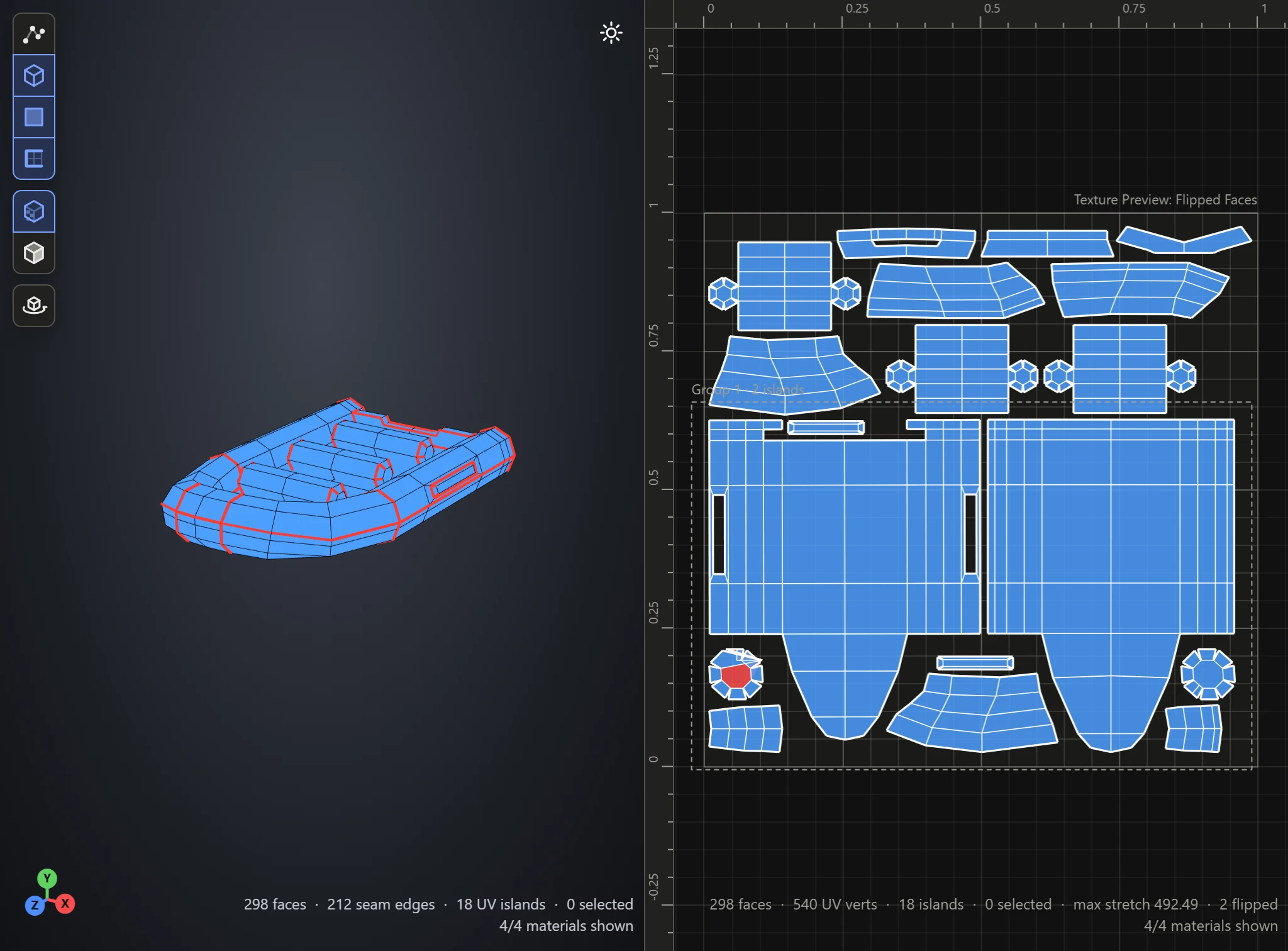
Faces laid out folded over, against the rest of their island, show red; the rest are blue. A texture shows mirrored on a flipped face, and it overlaps the faces it folded over. The counts at the bottom right of the UV Layout say how many are flipped.
A face usually flips when a vertex has been dragged across its neighbors. Drag it back, Relax the island, or Flatten it again.
Direction
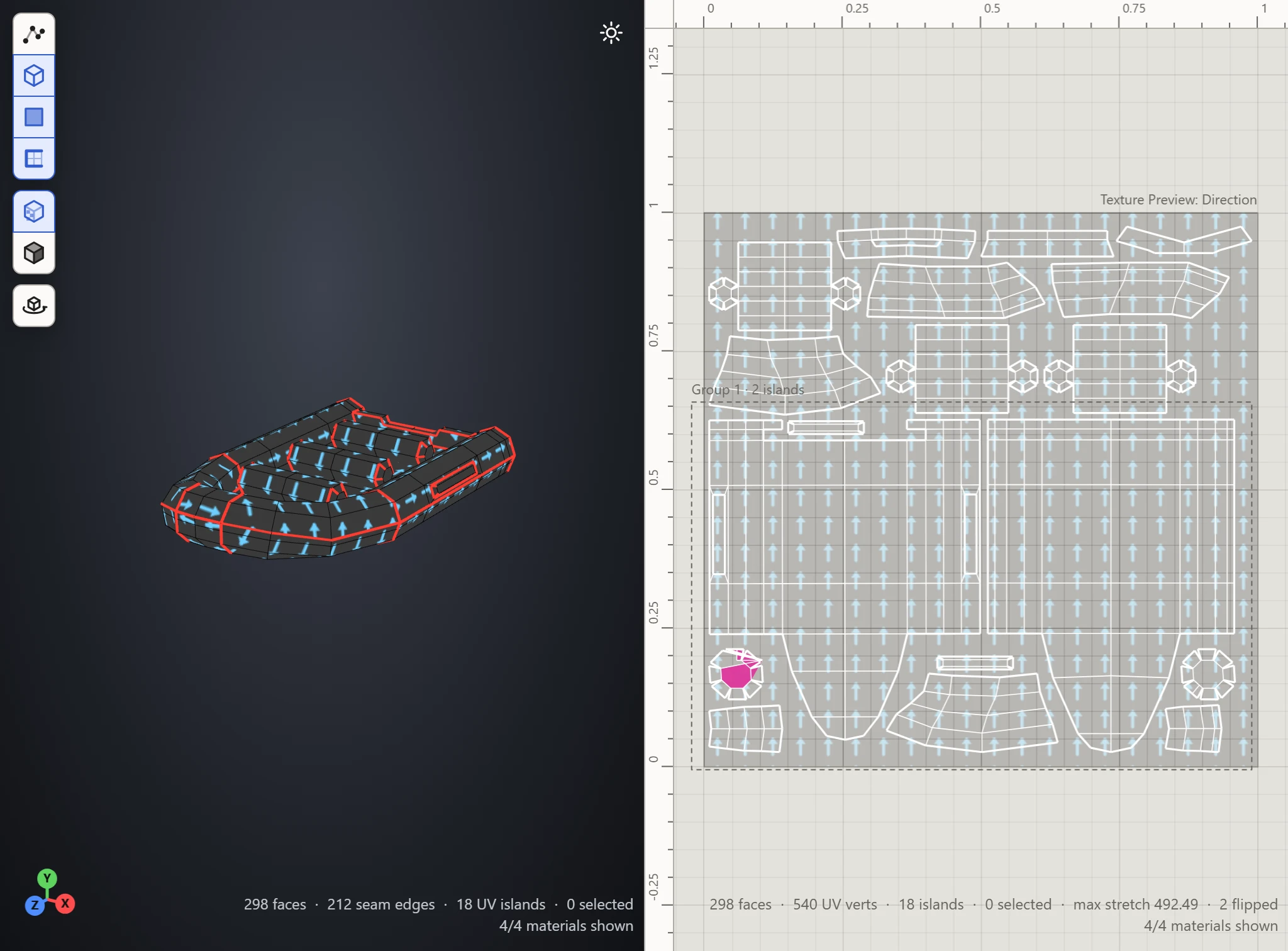
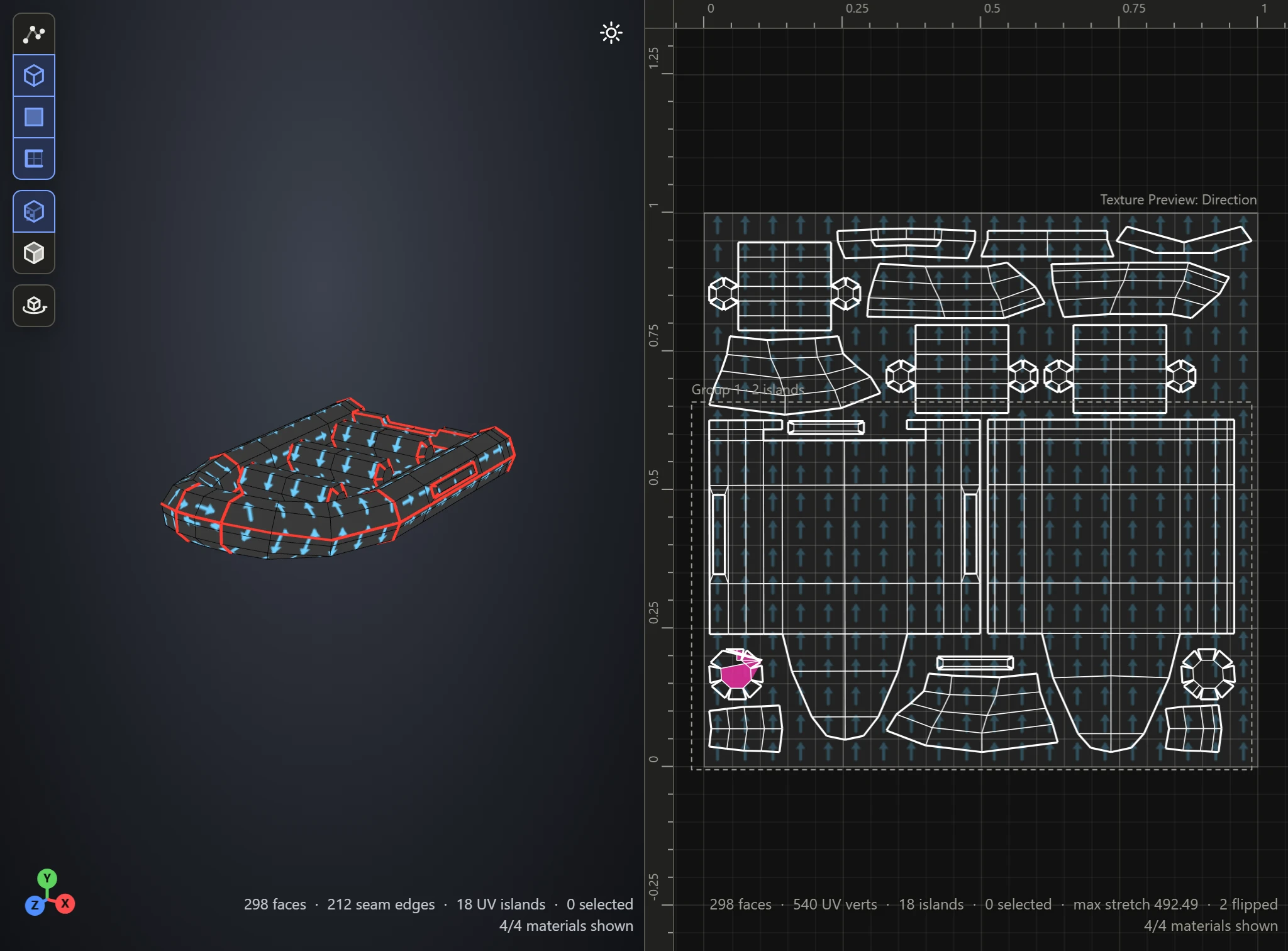
Arrows pointing up the texture, toward the top of the 0-1 square, moving the way they point. In the UV Layout, an island turned against the others stands out by its arrows. On the model, the arrows show which way a texture's top lies on each part, to keep wood grain, bricks or writing running the right way.
To straighten an island, see Flip and orient.