Normalize Scale
Normalize Scale, in the Arrange section, gives every island the same texel density, then packs them.
Texel density
An island's texel density is how much of the texture it gets for its size on the model. If one island is laid out big and another small, the texture shows crisp on the first part and blurry on the second. With every island at the same density, a texture's pixels spread evenly over the whole model, and a checker pattern's squares come out the same size everywhere.
What it does
Each island of the parts shown is scaled, about its middle, to the density of the model as a whole, then they're all packed into the square, with the same Allow rotation and Gap as Pack.
Seeing it
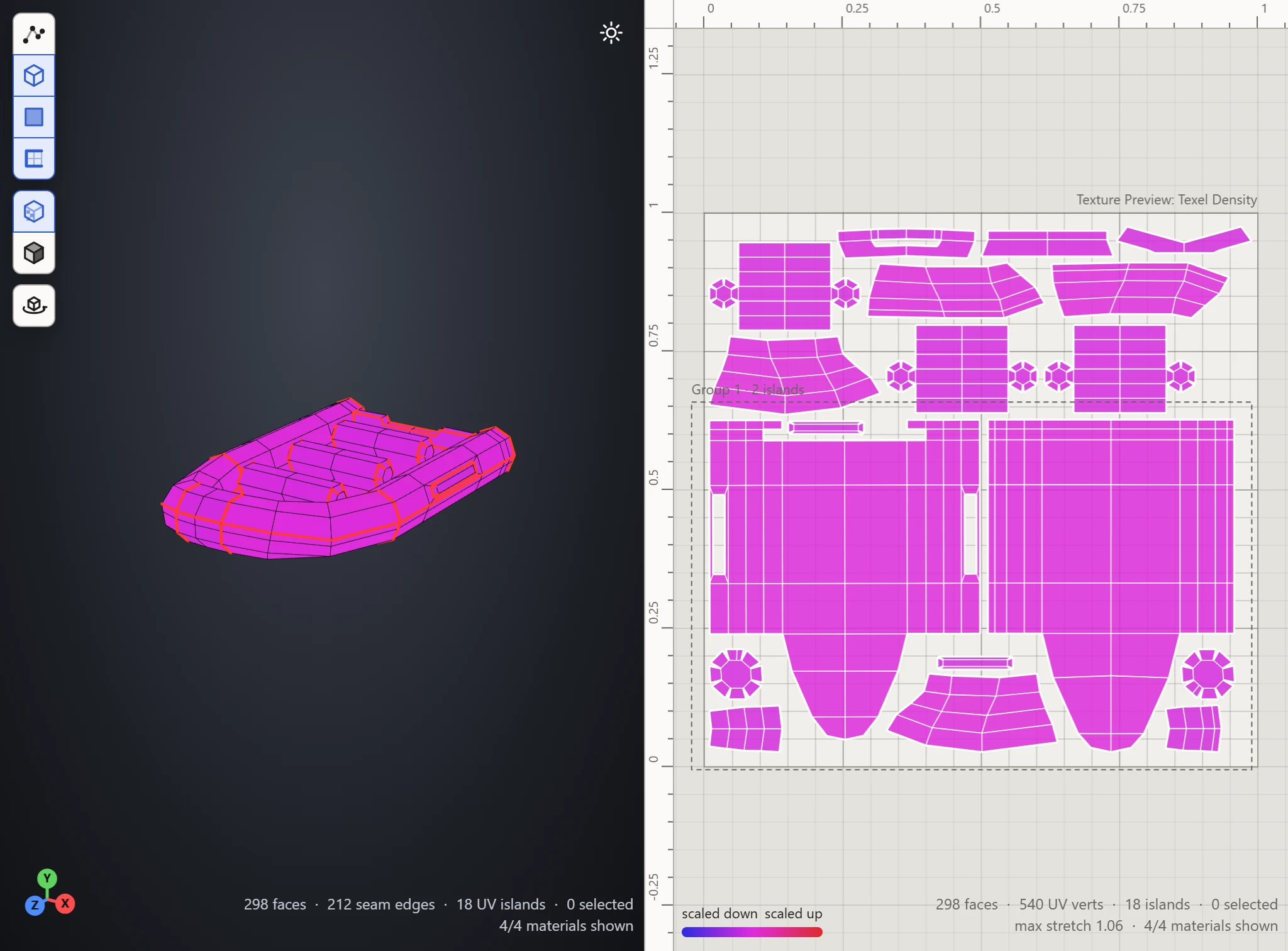
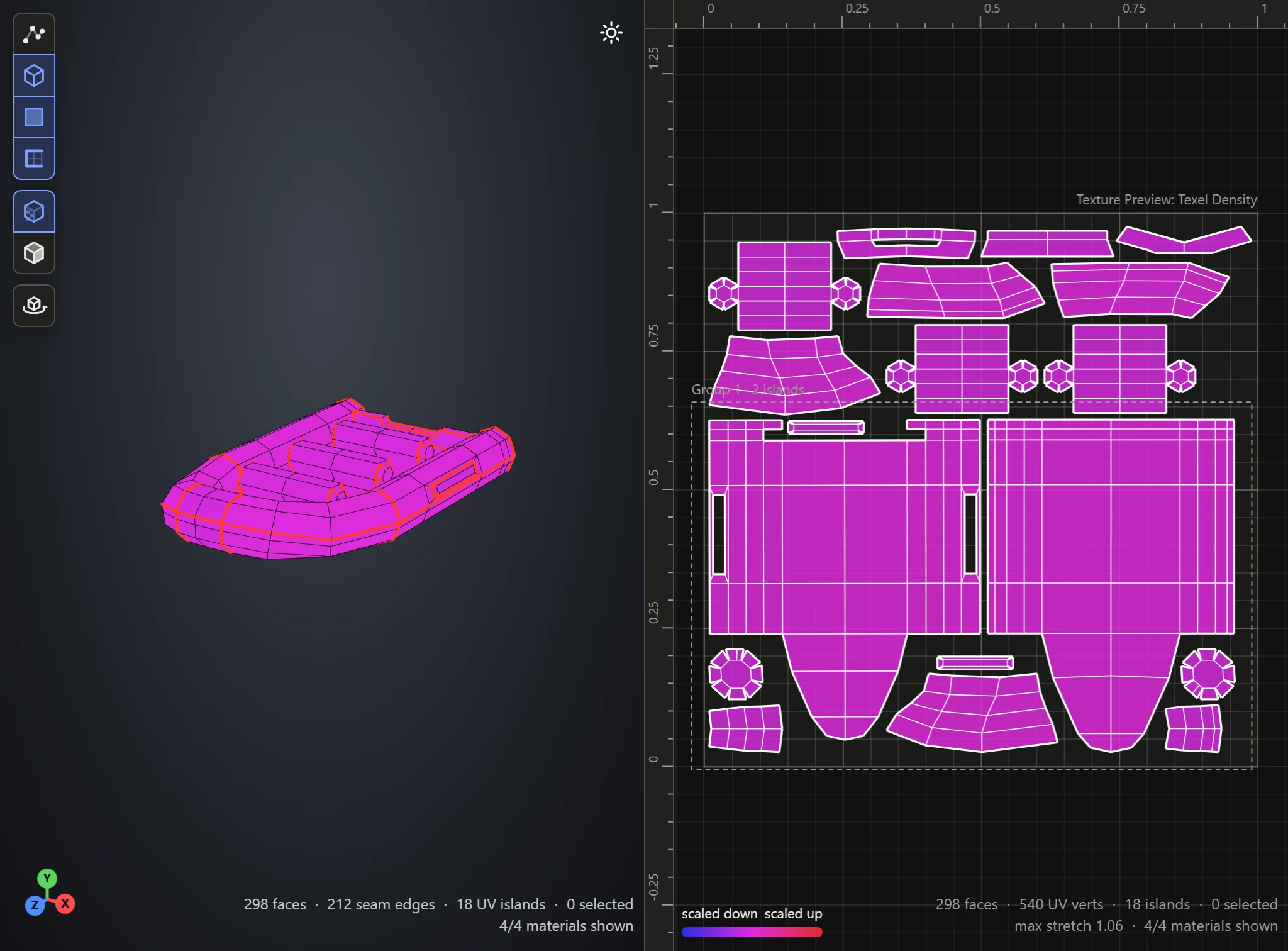
The Texel Density preview colors each face by its density, and the Checker pattern shows it as square sizes on the model. After Normalize Scale, both come out even.
When not to
To give some part more of the texture on purpose, such as a face over a body, scale that island up afterwards by hand.