Position, size and rotation
The Transform section moves, scales and turns the selection by numbers, for when dragging in the UV Layout isn't exact enough.
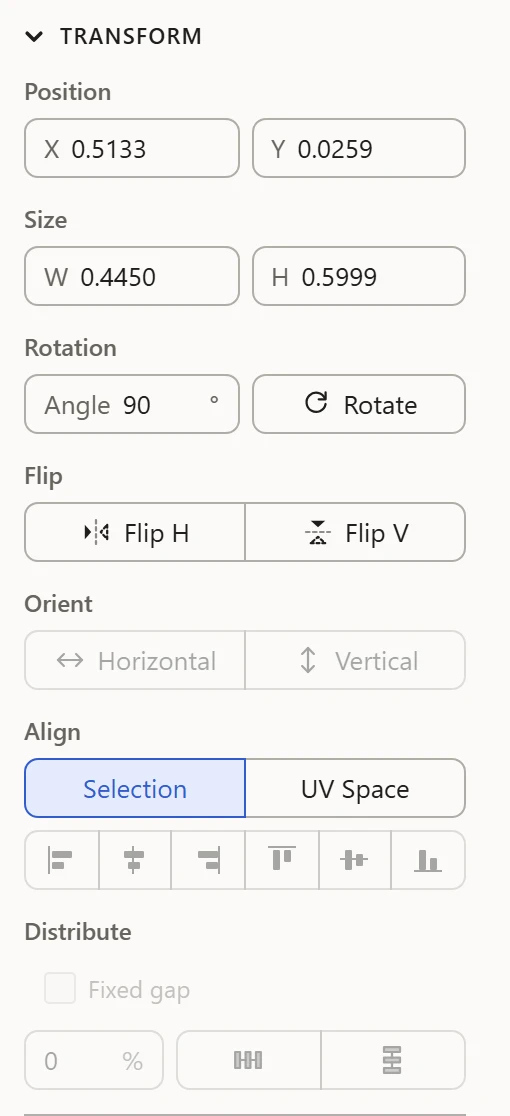
Position
X and Y are where the selection's box starts: its left and bottom edges, in UV units, where the 0-1 square runs from 0 to 1. Type a value to move it there.
Size
W and H are its box's width and height, in UV units. Type one to scale the selection to it: W across from its box's left edge, H up from its bottom edge. A single vertex has no size to change.
Rotation
Type an Angle in degrees, then click Rotate to turn the selection by it, about its middle: 90 to begin with, a quarter turn.
Typing sums
Every field takes a sum as well as a number: type 0.5 + 0.125, or 1/3, and it works it out. Anything it can't work out leaves the field as it was.
By hand
To move, scale or turn by eye, drag in the UV Layout: the selection, its corner handles, or just outside a corner. See Mouse controls. The arrow keys nudge the selection a little at a time.